- Open Kodi
- Select SYSTEM > File Manager
- Select Add Source
- Select None
- Type the following EXACTLY http://kodiuk.tv/repo/ and select Done
- Highlight the box underneath Enter a name for this media Source, type kodiuk & Select OK
- Go back to your Home Screen
- Select SYSTEM
- Select Add-Ons
- Select Install from zip file
- Select kodiuk
- Select repository.kodiuktv-x.x.x.zip
- Wait for Add-on enabled notification
- Select Install from Repository
- Select KODIUKTV Repo
- Select Program Add-ons
- Select KodiUK TV Wizard
- Select Install
- Wait for Add-on enabled notification
- Go back to your Home Screen
- Select PROGRAMS
- Select KodiUK TV Wizard
- Select Kodi UK TV Builds
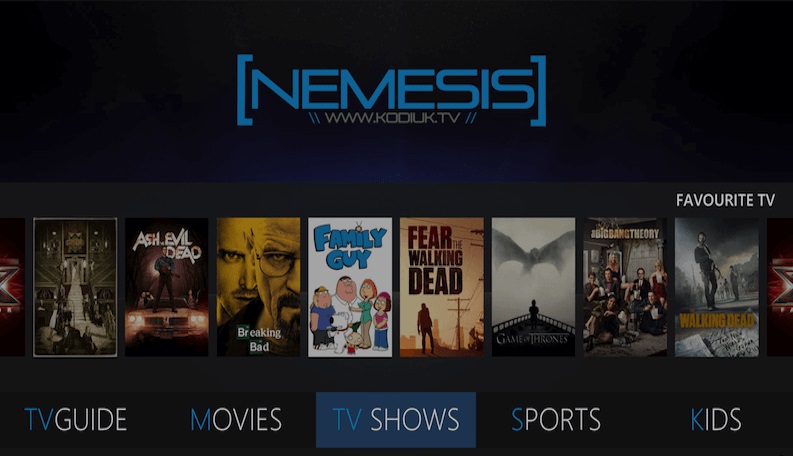
- Select Nemesis
- Wait for download to finish and install. If on Android pull the power cord when asked to force close.
Be sure to check out the KODIUKTV Facebook group for Nemesis. You will be able to find all the help you need with this build on their Facebook page. You can also follow the builder’s website for updates at http://kodiuk.tv/.
 ANDROID TV TECH